Mastering Video Editing with Adobe Premiere Pro: From Beginner to Professional

- Description
- Curriculum
- Reviews
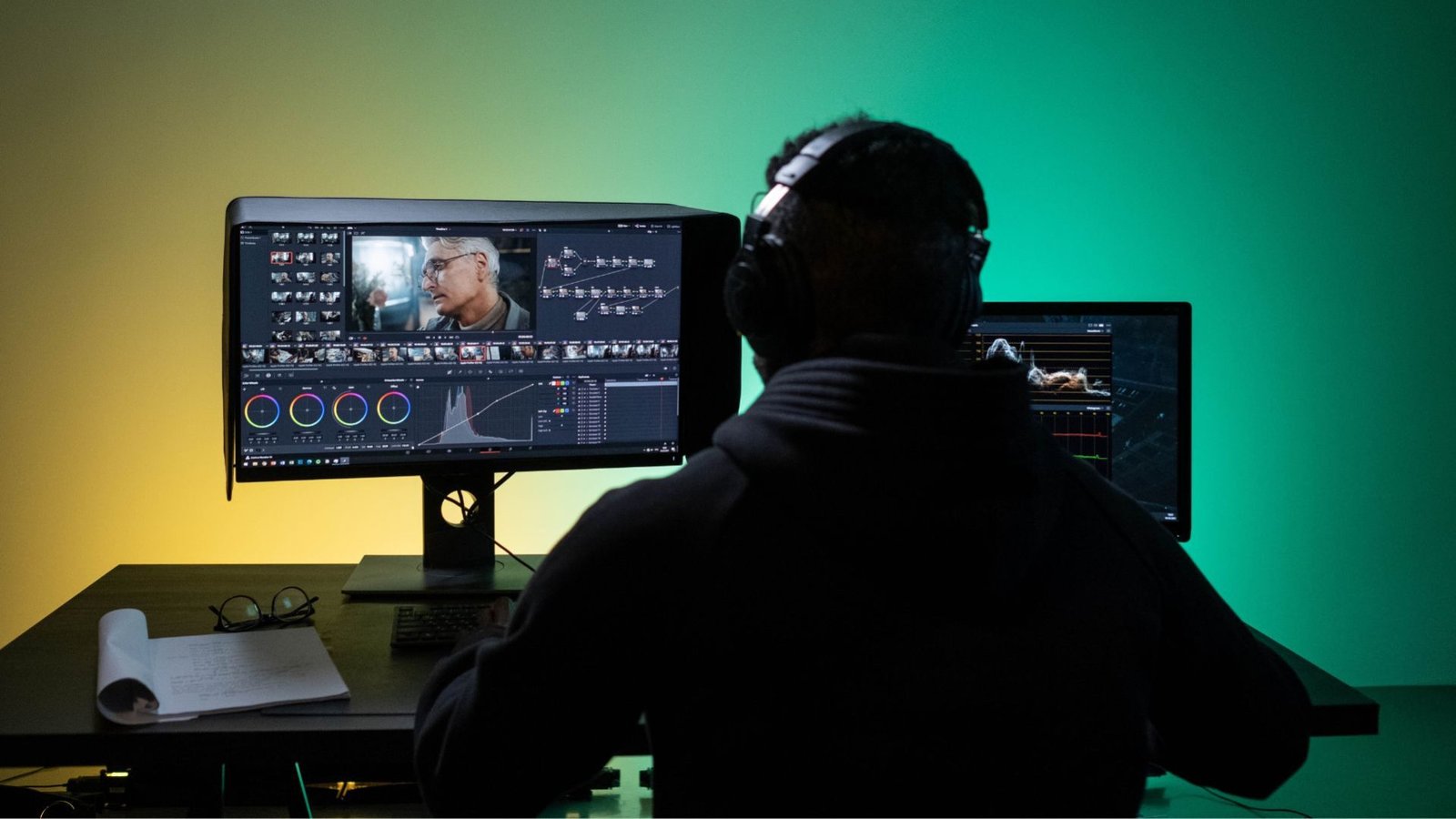
Unlock your potential as a professional video editor with our comprehensive course, “Mastering Video Editing with Adobe Premiere Pro.” Designed for aspiring editors of all levels, this course will guide you through the essentials of video editing, from the basics to advanced techniques, using industry-standard software, Adobe Premiere Pro.
Over three weeks, you’ll dive deep into the world of video editing, learning everything from the fundamentals of timeline management to the intricacies of advanced effects and motion graphics. The course is structured to progressively build your skills, ensuring you’re equipped with the knowledge needed to create high-quality video content for educational, commercial, and creative projects.
Key Learning Outcomes:
- Fundamental Skills: Gain a solid understanding of Adobe Premiere Pro’s interface, tools, and workflow.
- Technical Proficiency: Learn to edit, trim, and enhance video content using a variety of techniques, including color correction, audio synchronization, and special effects.
- Advanced Techniques: Master complex editing processes such as masking, keyframing, and 3D effects to create dynamic and professional-grade videos.
- Practical Experience: Complete hands-on assignments and real-world projects, preparing you for a career in video editing.
- Professional Readiness: Understand the workflow and standards required for professional video editing in the online education sector, including project management, client feedback, and final delivery.
Course Highlights:
- Intensive, focused learning: Condensed into a 3-week period to maximize skill acquisition.
- Interactive lessons: Engage with video tutorials, practical assignments, and live feedback sessions.
- Real-world application: Work on projects that mirror the demands of professional video editing jobs.
- Expert instruction: Learn from experienced editors and industry professionals.
- Career Advancement: Top-performing students will be considered for job placements, providing a pathway to immediate employment in the video editing field.
Whether you’re starting from scratch or looking to refine your skills, this course will empower you to create stunning videos that captivate and inform. Enroll today to begin your journey toward becoming a proficient video editor with the tools and techniques needed to thrive in the digital content creation industry.
-
1
 Welcome Address from Chyberr Port Founder
 -
2
Tutorial Video for Chyberr Port Portal
-
3
Tutorial on how to upload your video on Youtube.com as an Unlisted content
-
4
Introduction to Video Editing
-
5
 Introduction to Video Editing-Quiz
 -
6
Basics of Video Editing
-
7
Basics of Video Editing
-
8
Total Beginner’s Guide to Video Editing
-
9
Total Beginner’s Guide to Video Editing
-
10
 Total Beginner’s Guide to Video Editing
 -
11
How to start Video Editing from ZERO
-
12
How to start Video Editing from ZERO
-
13
How to start Video Editing from ZERO - Reflection
-
14
Getting Started with Premiere Pro
-
15
Getting Started with Premiere Pro
-
16
Getting Started with Premiere Pro
-
17
Mastering the Source Panel
-
18
Mastering the Source Panel
-
19
Mastering the Source Panel
-
20
Share Project Files - Adobe Premiere Pro Tutorial
-
21
Building Your Timeline
-
22
Building Your Timeline
-
23
Building Your Timeline
-
24
Precision Editing Techniques
-
25
Precision Editing Techniques
-
26
Precision Editing Techniques
-
27
Advanced Timeline Tools
-
28
Advanced Timeline Tools
-
29
Advanced Timeline Tools
-
30
Finalizing Your Edit
-
31
Finalizing Your Edit
-
32
Finalizing Your Edit
-
33
Enhancing Visuals with Titles and Images
-
34
Enhancing Visuals with Titles and Images
-
35
Enhancing Visuals with Titles and Images
-
36
Creative Transitions and Effects
-
37
Creative Transitions and Effects
-
38
Creative Transitions and Effects
-
39
Perfecting Audio and Exporting
-
40
Perfecting Audio and Exporting
-
41
Perfecting Audio and Exporting
-
42
Customizing Your Workflow
-
43
Customizing Your Workflow
-
44
Customizing Your Workflow
-
45
Live Class: Review and Q&A
-
46
Advanced Editing Techniques
-
47
Advanced Editing Techniques
-
48
Advanced Editing Techniques
-
49
Final Touches and Adjustments
-
50
Final Touches and Adjustments
-
51
Final Touches and Adjustments
-
52
Advanced Masking and Keyframes
-
53
Advanced Masking and Keyframes
-
54
Advanced Masking and Keyframes
-
55
Creating Dynamic Movements
-
56
Creating Dynamic Movements
-
57
Creating Dynamic Movements
-
58
Advanced Blur Techniques
-
59
Advanced Blur Techniques
-
60
Advanced Blur Techniques
-
61
Mastering Text and Animation
-
62
Mastering Text and Animation
-
63
Mastering Text and Animation
-
64
Animating Shapes and Masks
-
65
Animating Shapes and Masks
-
66
Animating Shapes and Masks
-
67
Professional Techniques for Finishing
-
68
Professional Techniques for Finishing
-
69
Professional Techniques for Finishing
-
70
Reflection
-
71
Stage 1 Project